
Intelligent Software & Applied AI
AI that works with the systems you already run
IT/OT integration comes first: middleware and API connectors between your PLCs, cameras and business systems. Then we add computer vision, prediction, assistants and automation on top. It runs in your environment, and the results show up in the ERP, WMS and handsets your team already uses.
How it works
IT/OT integration: from your systems to a result someone acts on
Pick a use case to see the path its data takes. The AI model is one step of four. The rest is integration between OT and IT, which is where most projects succeed or fail.
Your systems and equipment
- PLCs and SCADA
- Cameras
Integration layer
- Connectors and APIs
- Event pipeline
AI and automation
- Computer vision
What happens next
- Alerts to crew devices
- Dashboards
- Commands to machines
Visual inspection
Cameras on the line check parts or packages as they pass. Failures are flagged or diverted automatically, and every result is logged against the order.
Data it uses
Camera feeds, plus line signals from the PLC so each image is tied to a part or order.
Where it runs
On edge servers next to the line, so images do not leave the site.
What your team sees
An alert on a handset or line display when something fails, with the image attached.
Predictive maintenance
Equipment data is watched for the patterns that come before a failure. When one appears, a work order is raised with the evidence attached.
Data it uses
Machine and sensor readings, plus maintenance history from your ERP or CMMS.
Where it runs
Models run on site or in your cloud tenant. Work orders are written back to your existing system.
What your team sees
A work order in the system they already use, and an alert if the risk is urgent.
Operations assistant
Crews ask questions in plain language and get answers from your own procedures, manuals and shift logs, with the source shown so they can check it.
Data it uses
Your documents, procedures and logs, plus live status from operational systems where it helps.
Where it runs
In your environment, with access limited to what each user is allowed to see.
What your team sees
An answer on a handset, tablet or desktop, with a link to the source document.
Material tracking
Cameras and sensors record where material is as it moves, so inventory locations update without manual scanning.
Data it uses
Camera feeds and position sensors at the points where material is picked up and set down.
Where it runs
Vision on edge servers near the cameras, so video stays on site. Only the location update crosses the network to your inventory system.
What your team sees
Current locations in the inventory system and a live map of the yard or floor.
Order and EDI automation
Orders, shipping documents and EDI messages are read, checked and entered automatically. Exceptions go to a person with the problem already identified.
Data it uses
EDI messages, emails and PDFs, checked against orders and master data in your ERP.
Where it runs
Alongside your ERP, in your cloud tenant or data center.
What your team sees
A short exceptions queue instead of a full inbox of documents to key in.
Robot and machine coordination
Tasks from your WMS or MES are turned into instructions for robots and machines, and completions are reported back.
Data it uses
Orders and tasks from your systems, plus live status from the robots and equipment.
Where it runs
On site, close to the machines, over the private network.
What your team sees
One view of work in progress across every vendor's machines.
Edge vision
Track material by camera, without sending video off site
Where items are lifted and set down by cranes, forklifts or robots, locations are often keyed in by hand and drift from reality. Cameras can record the move instead. The model runs in the building and only the result crosses the network.
Turn the floor into numbered cells
The floor is marked into numbered cells, and each cell is traced once in each fixed camera's view. From then on, finding where something sits is a lookup, not a coordinate calculation.
Calibration happens once, at install. There is no per-item measuring and nothing for crews to scan.
Identify the item as it is lifted
A camera on the crane or vehicle reads the item's ID at the moment it is picked up. From that point the identity travels with the lift, so nobody has to key it in.
The error-prone moment today is a person typing an ID and a location. This removes both keystrokes.
See where it lands
Fixed cameras watch the floor. When the lift sets down, the model reports which cell it landed in and pairs that with the ID read at pick-up.
The location recorded is where the item actually is, not where someone said they put it.
Inference on an edge server in the building
Video goes from the cameras to an edge server on site, over the private network. The model runs there, close to the cameras, and the video stays in the building.
No video leaves the site, nothing waits on a cloud round trip, and the network carries events rather than streams.
Update the system you already run
What crosses the network is small: the ID, the cell, the time, and one evidence image. It is written to the system of record the operation already uses, such as a crane management system, WMS or MES.
- item
- ID 4471-2208
- from
- cell B2
- to
- cell E3
- time
- 14:32:07
- evidence
- one image at set-down
Your system of record stays the system of record. The vision layer feeds it instead of becoming another screen to check.
What we build
Applications on top of your existing systems
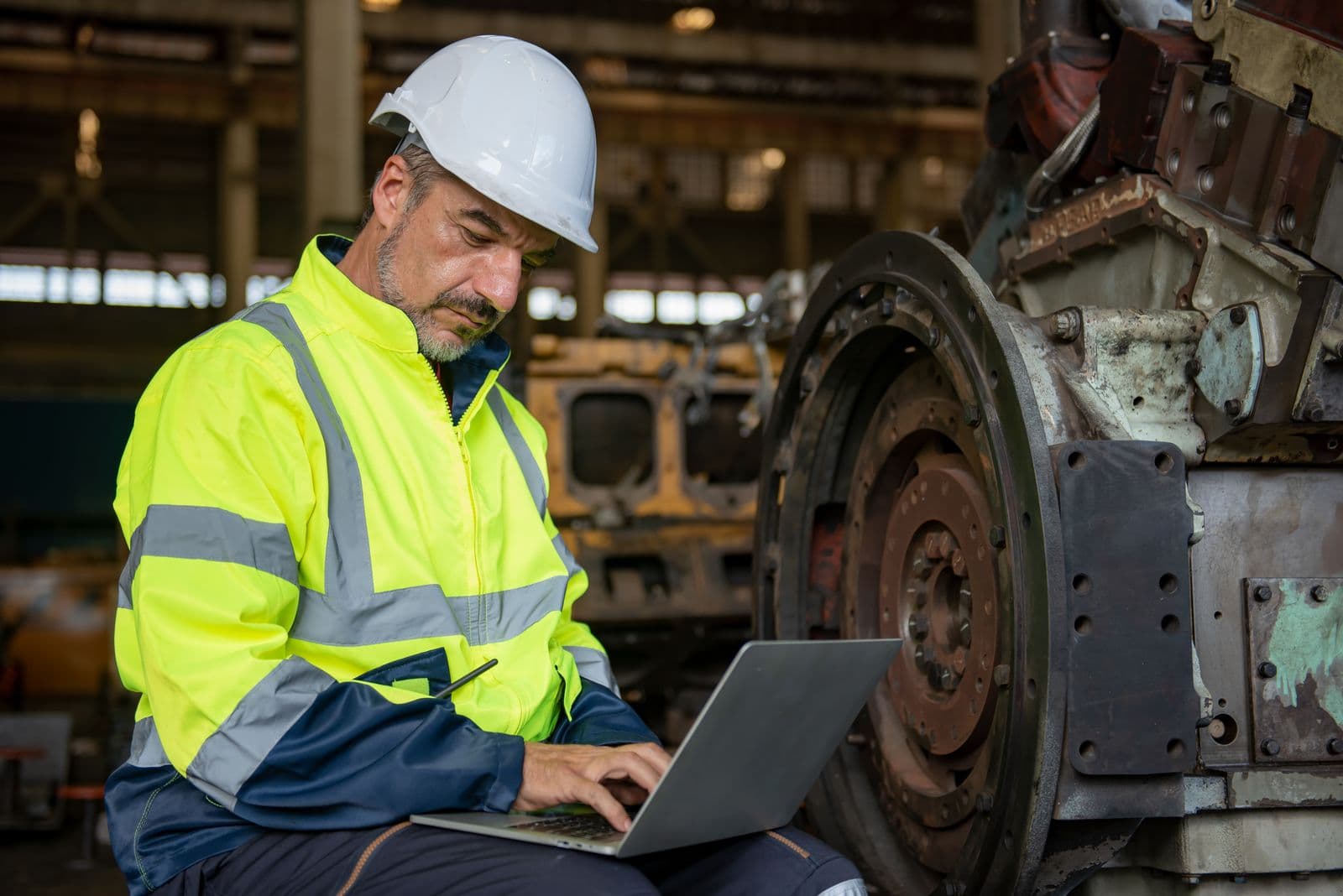
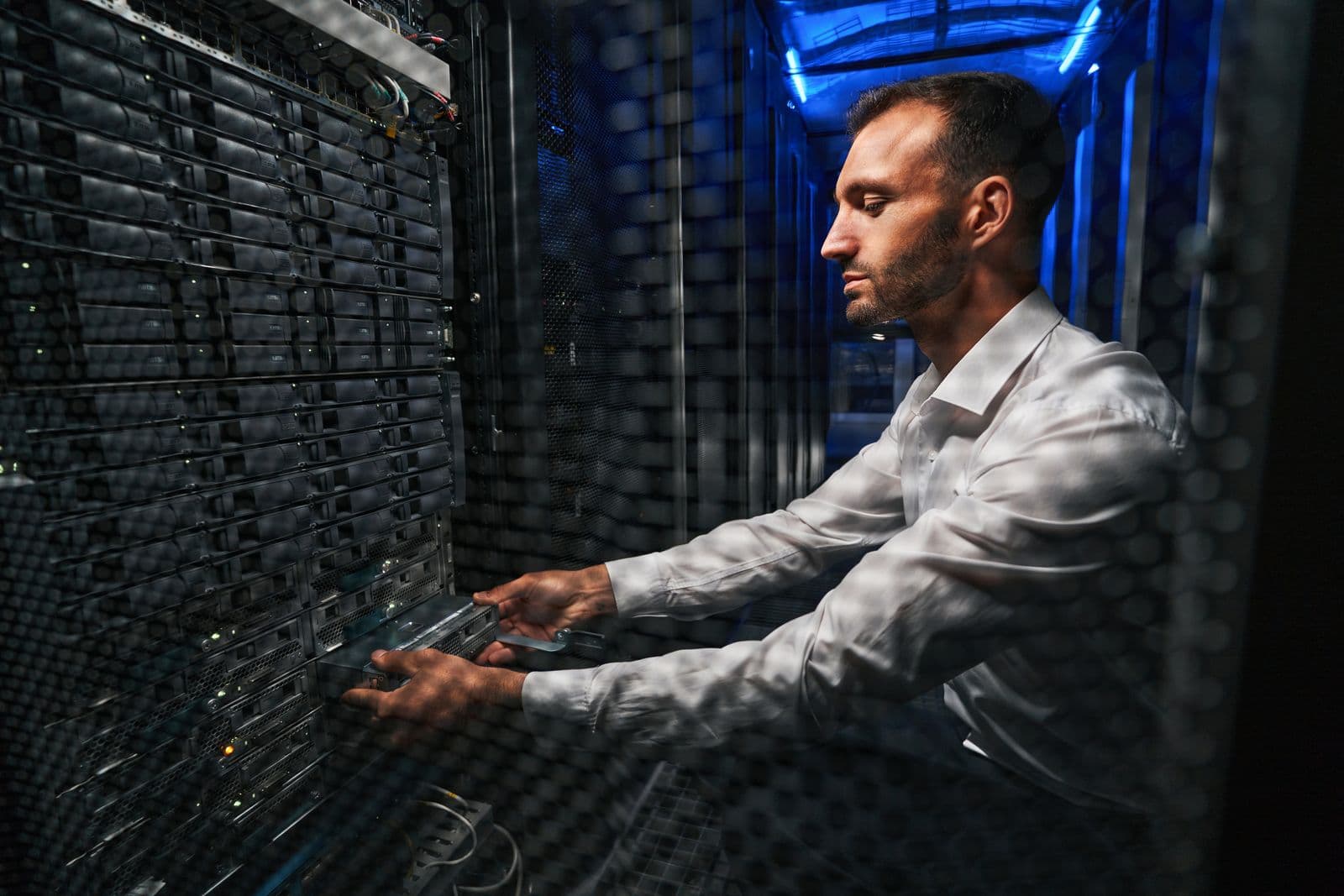
What goes wrong
Why AI projects stall
The model is rarely the problem. These are the three issues we see most often, and how we handle them.
The pilot works, production does not
Today
A model is trained on a data export and looks good in a demo. It never gets a live connection to the systems it depends on, so it stays a demo.
With Trilogy NextGen
We build the integration first: live connections to your PLCs, cameras and business systems. The model is trained and tested on the same data it will see in production.
Data that cannot leave the site
Today
Security and compliance teams block tools that send operational data or documents to a third-party service, and the project stalls in review.
With Trilogy NextGen
Models run on site or in your own cloud tenant, with access tied to your existing identity and permissions, so the security review has a clear answer.
Results no one acts on
Today
Insights land in a dashboard that the people on the floor never open, so nothing changes.
With Trilogy NextGen
Results go where work already happens: a task in the ERP or WMS, a work order, or an alert on the crew's handset.
How we deliver
From pilot to production
- 1
Pick the problem
We start with one decision or task that costs time or money, and confirm the data needed to address it exists.
- 2
Connect the data
Live connections to the equipment and systems involved, with data cleaned and mapped into a common model.
- 3
Pilot on real operations
The model runs against live data with your team reviewing results before anything is automated.
- 4
Put it into the workflow
Results are written back to your systems and devices, with monitoring and a clear owner on your side.
- 5
Run and improve
We support, retrain and extend it, or hand it over to your team with documentation.
Platforms we build on and integrate with
We work with the systems of record, cloud platforms and tools you already have, and choose the rest to fit the problem.
Systems of record
 SAP (opens in a new tab)Enterprise WMS and ERP integration.
 Manhattan Associates (opens in a new tab)Supply chain and warehouse management.
 Blue Yonder (opens in a new tab)Supply chain execution and planning.
Software, cloud & platforms


Sensing & intelligence


Build your plan
Not sure which system to connect first?
Pick your industry and the problems slowing you down. The fit finder shows where integration and AI fit, and whether the network or the fleet has to come first.
In the field
Built on your data, inside your perimeter
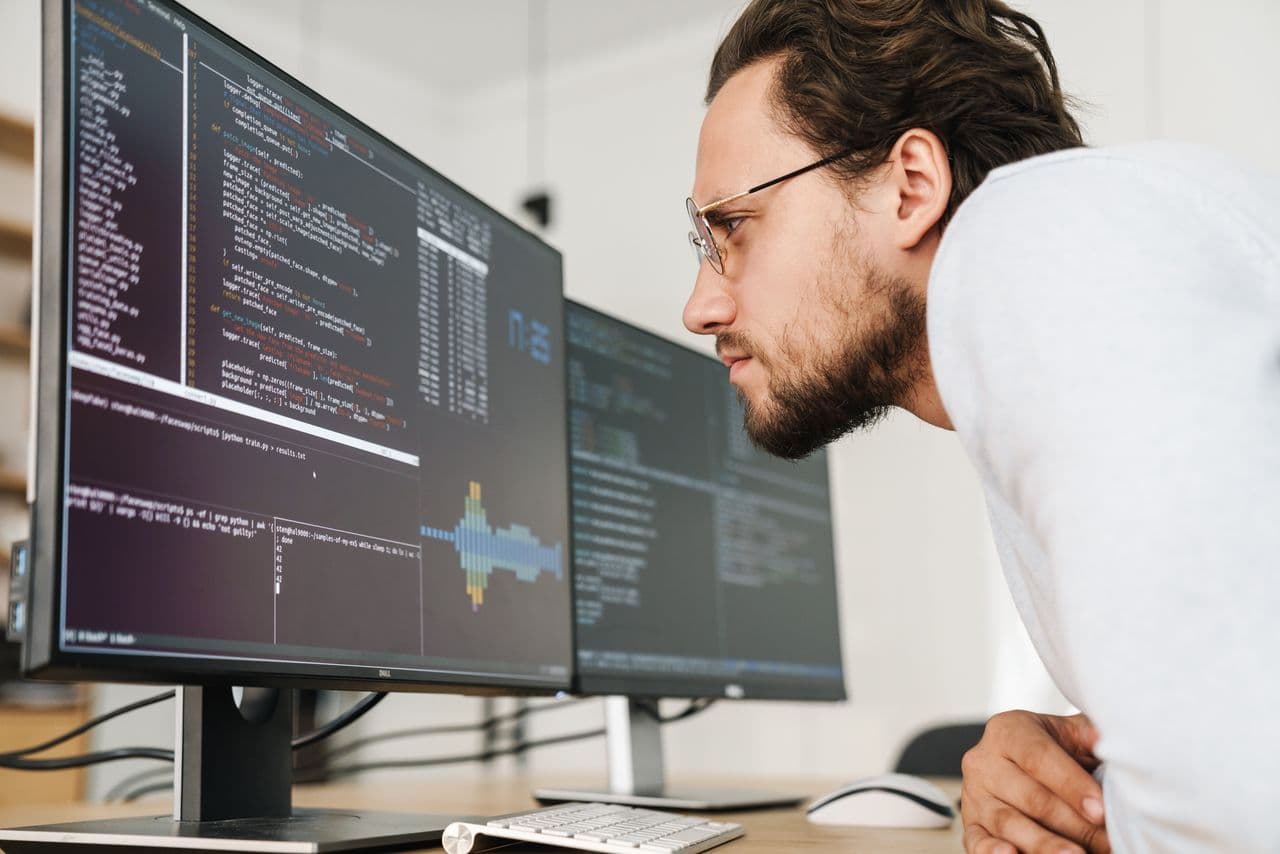
Models are trained and tuned against your own data, on infrastructure you control.
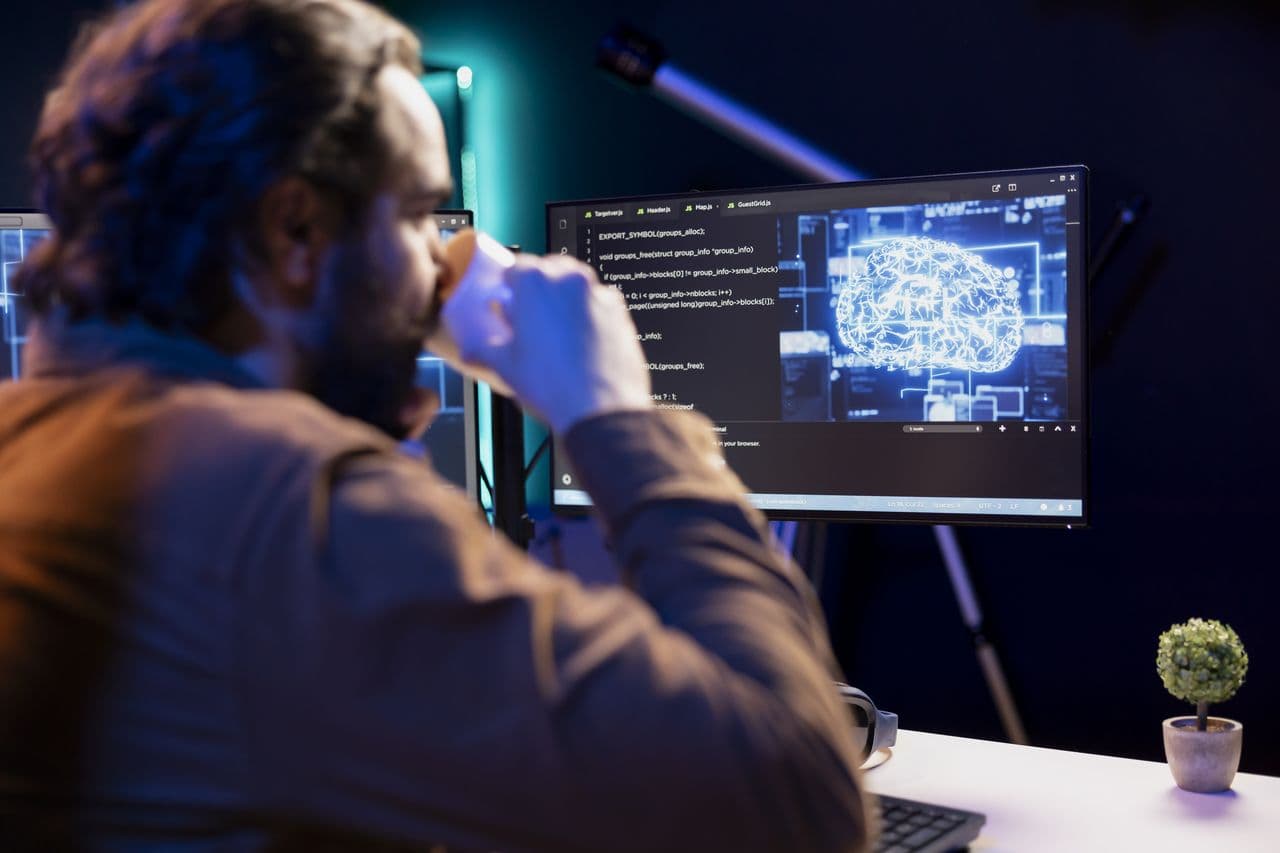
The work is reviewable at every step rather than handed over as a black box.
Vision, prediction and agents run where the decision is made, not in somebody else's cloud.
Bring us one problem worth solving
Tell us the decision or task you want to improve and the systems involved. We will tell you what data it needs, where it would run, and what a pilot looks like.